The short version
QC photos are a decision tool for one item, not a certification. Compare what you received with the listing, your measurements and any trustworthy reference before shipping. If you have not chosen a product yet, use the Kakobuy product spreadsheet to open the exact item page first.
- 1Save the item link, selected option and date checked.
- 2Inspect the seven checkpoints below in the same order.
- 3Ask for a close-up when a missing detail could change your decision.
- 4Keep the agent’s current return and shipping rules in view.
Put QC, sizing and buying links in one toolkit.
Inspired by the useful tabbed tools on reference sites, this toolkit runs its calculations and temporary lists in your browser. It does not upload your order, photos or links.
✓ Seven-point QC checklist
Run the same sequence for every item. Checkmarks stay on this page only and reset when you refresh.
Decision cue
Use the completed list to decide whether to continue, request a close-up or pause the order. The checklist cannot verify authenticity or long-term quality.
Green-light
Key details are visible and the size and option match your plan.
Ask for more
An angle is blurry, a measurement is missing or lighting is unclear.
Hold
Damage, a wrong option or a major mismatch changes your decision.
📐 Size comparison and unit converter
Compare a well-fitting garment or insole with the actual measurement shown in a QC photo. Letter sizes are only a starting point.
Compare a measurement
Centimetres ↔ inches
Convert the units used in a product table or measurement photo.
🔍 QC photo zoom
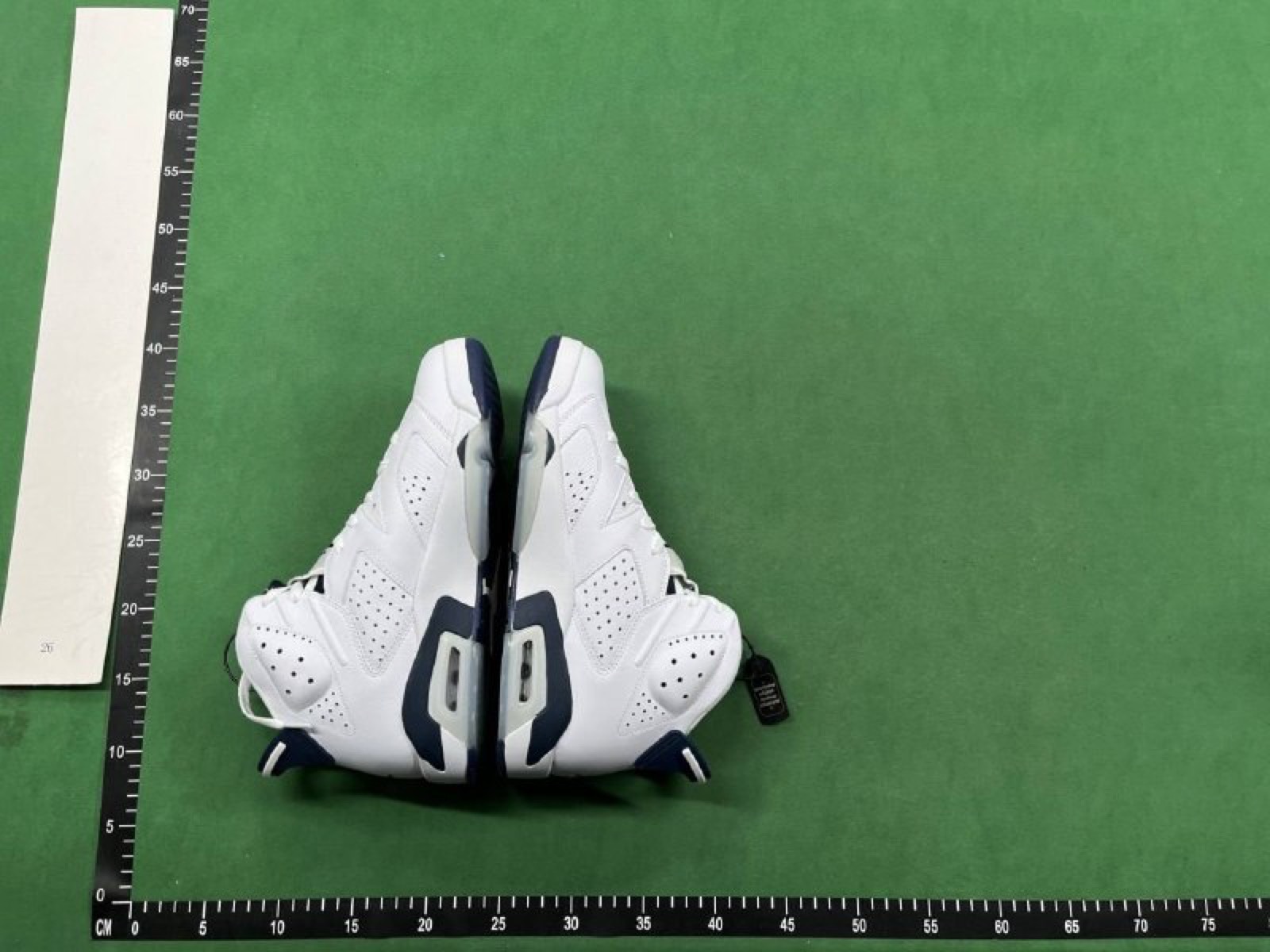
Select a thumbnail and use the slider to zoom in. These are existing Kakobuy Spreadsheet editorial images, not proof of any order.
 Click a thumbnail to inspect
✈ Shipping budget estimate
A transparent budget formula: weight × your rate per kilogram + handling. It is not an official KakoBuy quote and does not predict tax or the final route.
Before you pay
Track the item price, domestic leg, international leg, possible taxes and add-on services separately. Routes and destination rules vary; the final amount comes from the agent and carrier.
🔗 Link board
Keep product links, labels and notes together while you finish a QC check. Items stay on this page only.
Saved in this session
🧭 Find the right guide
Jump to the Kakobuy Spreadsheet guide that matches your question, so each page serves a distinct search intent.
Tool note: this area only performs local calculations, image switching and temporary sorting. It does not read your account, receive order data or send your inputs to a server.
What KakoBuy QC photos actually show
QC photos are pictures of the specific item after it reaches a warehouse. They can reveal visible condition, option labels, measurements and packaging details that a polished listing image cannot.
They do not prove authenticity, material composition, long-term durability or a perfect match to any reference. Treat each set as one piece of evidence and keep your expectations specific.
The seven-point QC photo checklist
Run the same sequence every time. Starting with the overall shape keeps a small attractive detail from distracting you from a larger problem.
 01
01Shape & silhouette
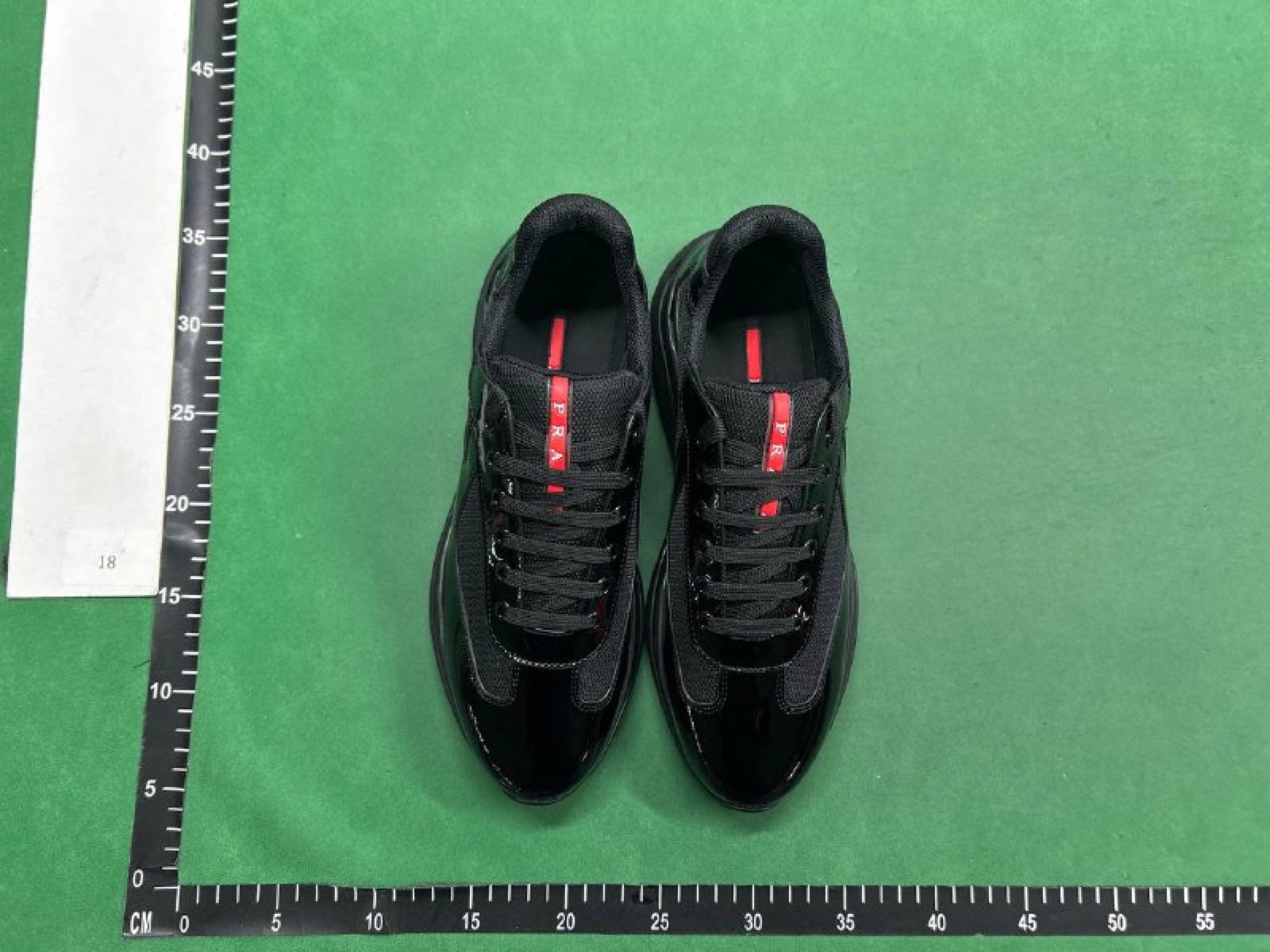
Start wide. Compare toe shape, height, panel proportions, drape or structure with the reference. A wrong silhouette is usually more important than a tiny cosmetic mark.
Compare first 02
02Logos, prints & labels
Zoom in on placement, spacing, edges and spelling. Compare the visible mark to a reliable reference, but do not treat a clean logo as proof of authenticity.
Zoom in 03
03Stitching & seams
Trace high-visibility seams, collars, cuffs, pockets and panel joins. Look for skipped stitches, open seams, loose threads or a visibly crooked run.
Follow the seam 04
04Hardware & accessories
Check zipper pulls, buckles, eyelets, buttons and included accessories for damage, alignment and the option you selected. Request a close-up if the hardware is blurred.
Ask for detail 05
05Material & texture
Use the lighting as a clue, not a verdict. Look for an unexpectedly shiny, thin, plastic-looking or uneven surface compared with the product description and reference images.
Read the surface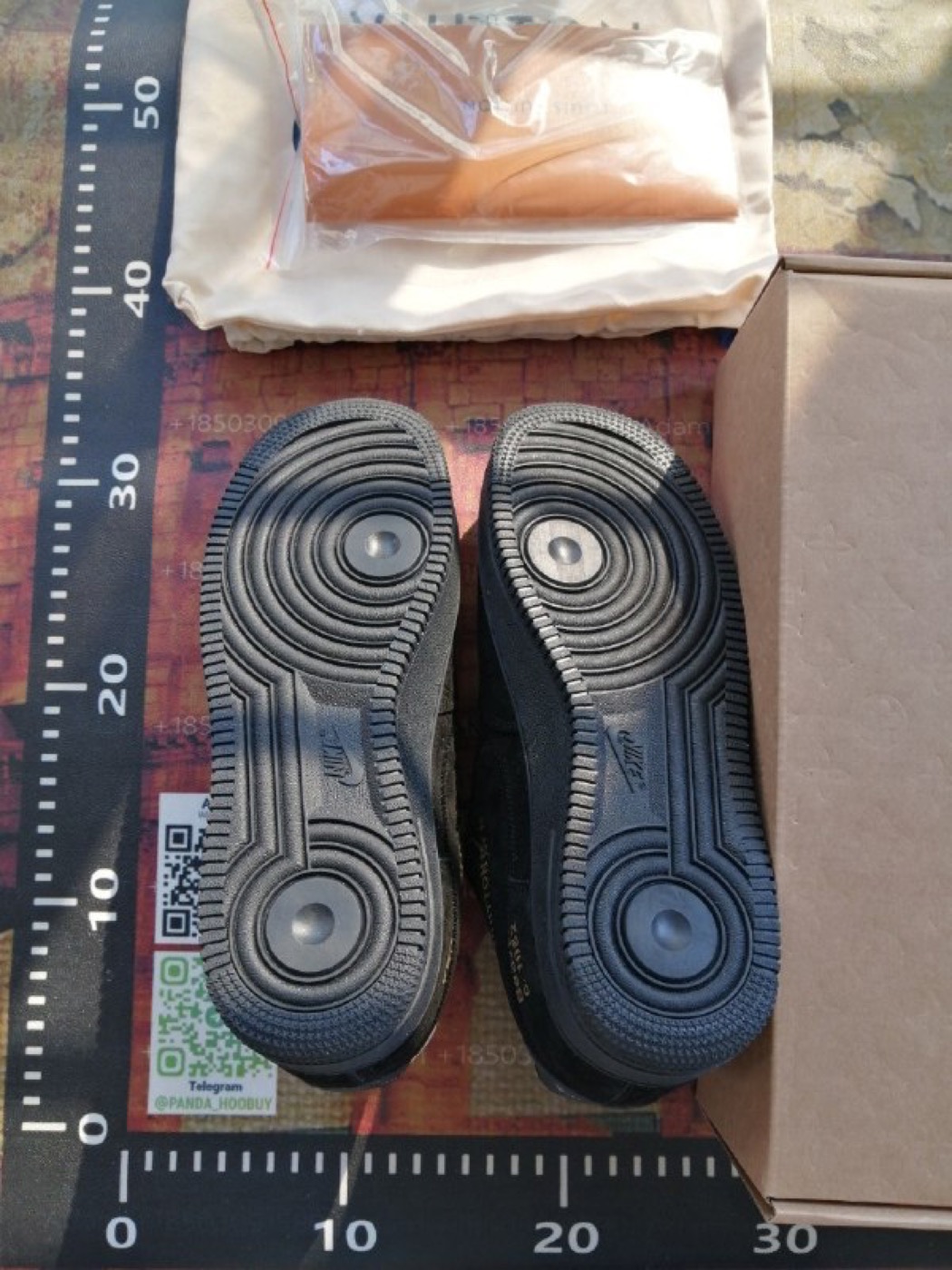 06
06Colour & option
Warehouse lighting can shift a shade, so look for a consistent mismatch across angles. Confirm colour, size and option labels against the order—not memory.
Check the option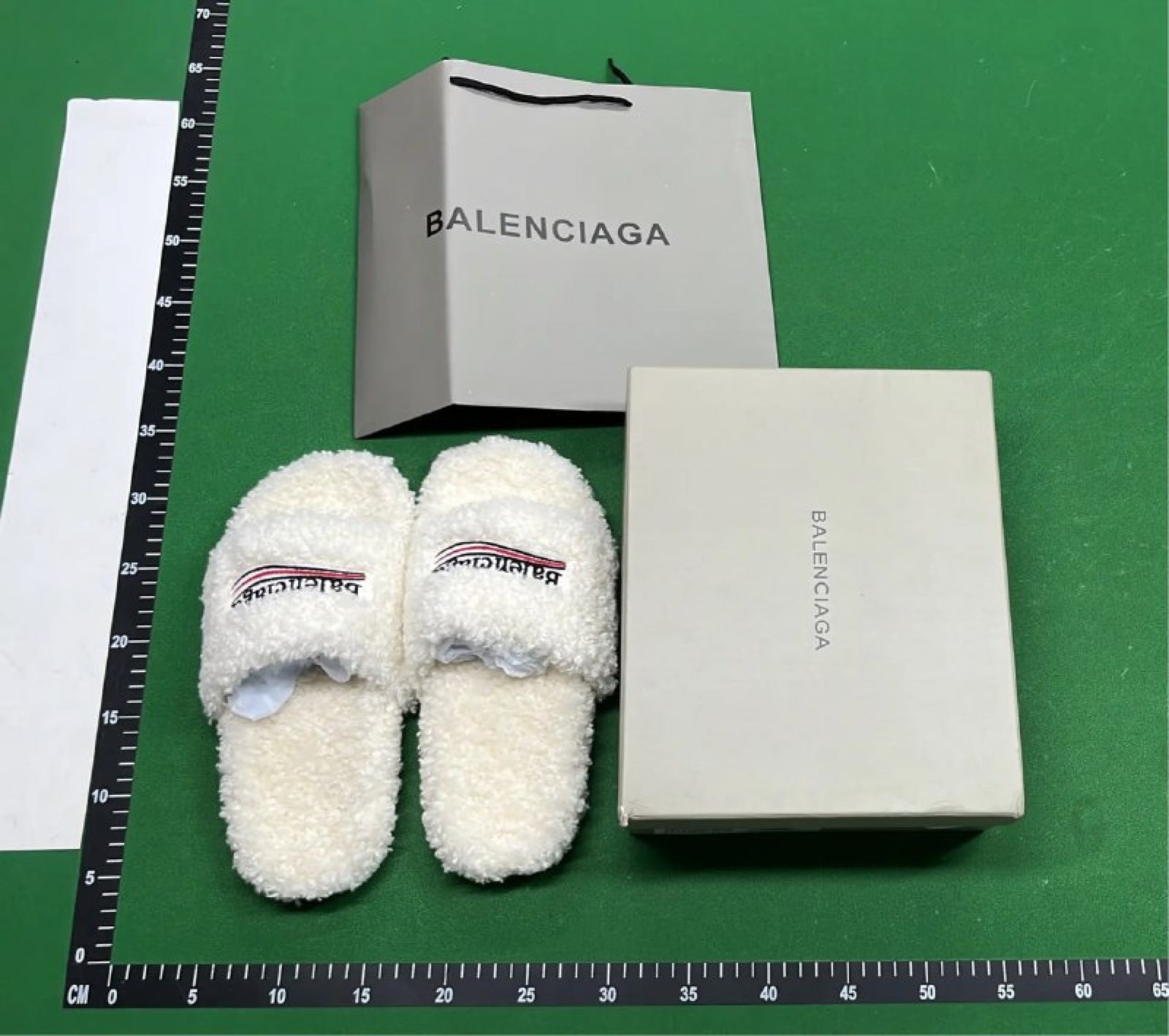 07
07Size & measurements
Labels are only a starting point. Compare a tape-measure photo with the size chart and a garment or insole you already know fits.
Measure, then decideMake the decision clear
Not every imperfection has the same weight. Separate a harmless presentation issue from a defect or wrong option that would change whether you want the item.
Green-light
Shape, option, visible condition and measurements match what you intended, and no unresolved detail would change your choice.
Ask for more
A key angle is blurry, a measurement is missing or the lighting makes colour difficult to judge. Request the smallest useful extra check.
Hold / ask about return
There is visible damage, a wrong option, a major measurement mismatch or another issue that makes the item unsuitable for you.
FAQ
What are KakoBuy QC photos?
They are warehouse photos of the specific item received for an order. They help you inspect visible details before deciding whether to ship, request more information, or ask about the available return process.
Which detail should I check first?
Start with the overall shape and the selected option. Then inspect visible logos or prints, seams, hardware, material texture, colour and the measurements that matter for the item.
Are QC photos proof of authenticity or quality?
No. They show visible details of one item at one moment. They cannot prove authenticity, material composition, long-term durability or a perfect match to a reference.
What if a photo is too blurry to judge?
Do not guess. Ask for a close-up or a measurement when that detail could change your decision, and check the agent’s current request and return rules.
Continue your pre-shipping check
Use the companion guides for sizing, shipping and a broader KakoBuy QC workflow.